AVAC Enrollment Assistant / Python, Selenium, Tkinter, and PyInstaller
I took an internal Selenium script that required command-line knowledge and turned it into a Windows app my coworkers could use—without letting it guess when the source data got messy.
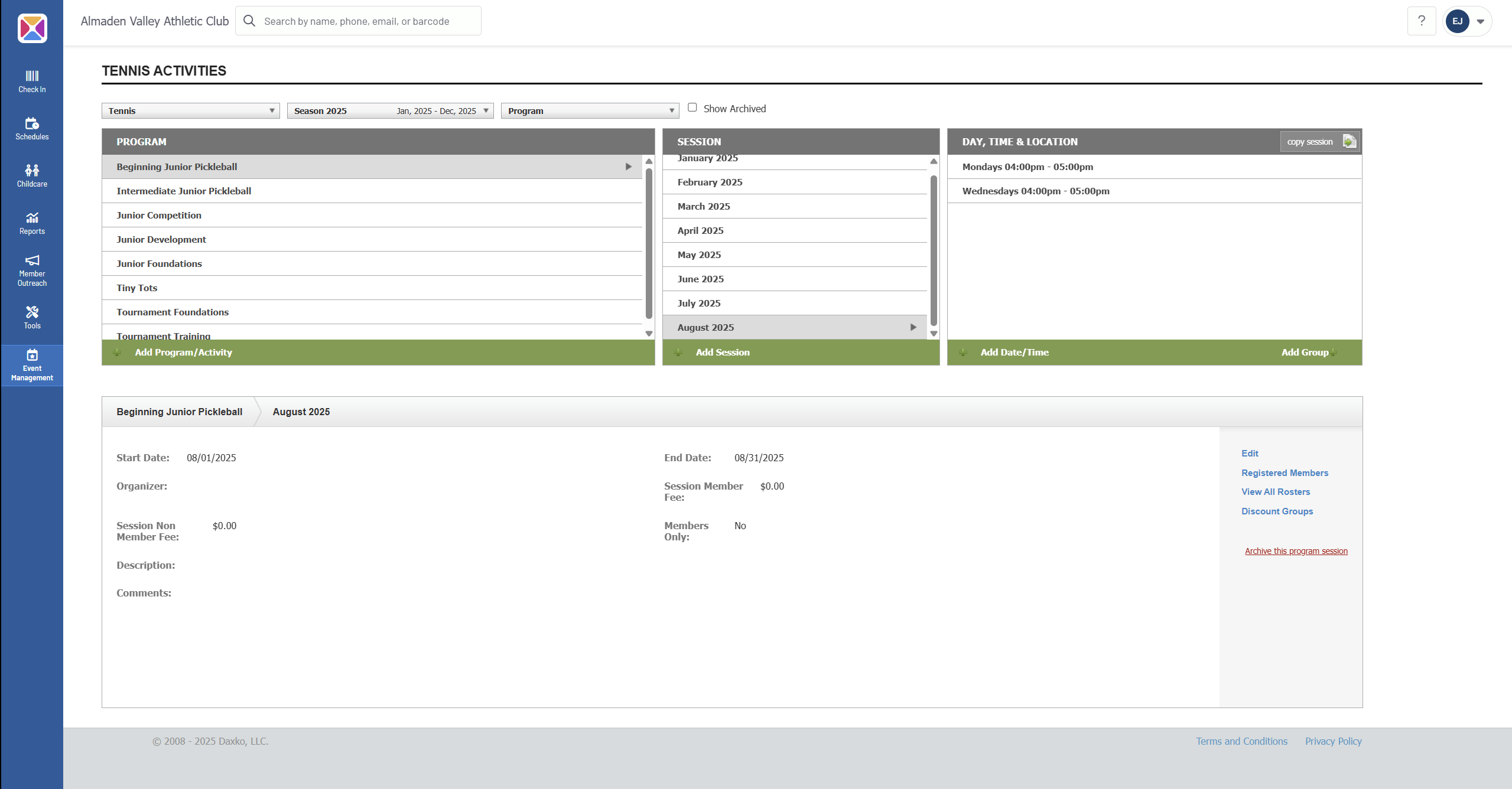
At the tennis desk, schedulers repeatedly move through the same enrollment screens, compare rosters and attendance, and handle waitlists and exceptions. The first script automated some clicks, but it expected one input format and someone comfortable with a terminal.
The rebuild added a guided interface, imports from the files staff already use, and review stops for ambiguous names, full classes, and attendance exceptions. Selenium handles the repetitive path. Staff keep the decisions.
Contribution boundary
I identified the workflow from my scheduling role and built the automation. AVAC’s enrollment platform, customer records, and underlying business rules remain outside this case study, and the production implementation is private.
02 / Workflow
Automate the repeatable path
01Paste or import names
Staff can paste a list or import CSV, TXT, and PDF files through the desktop interface.
02Select classes and a task
The user chooses the required classes, review period, and enrollment, waitlist, or attendance mode.
03Automate with review points
Selenium handles the repeatable path while ambiguous accounts, capacity limits, and exceptions remain visible to staff.
Names arrived pasted from messages or imported from CSV, TXT, and PDF files. They could be formatted differently, slightly misspelled, or match more than one account. That became the real engineering problem.
Normalize and fuzzily match names, but stop for confirmation when more than one account fits.
Separate enrollment, waitlist-audit, and attendance-audit modes so each run has one clear job.
Check capacity and the requested review period before touching a class session.
Surface waitlist and attendance exceptions without changing records automatically.
Generate editable communication drafts instead of sending anything on the user’s behalf.
Package the tool as a portable Windows executable, with no Python installation required.
04 / Verification
31 automated tests protect the decisions
The 31-test suite covers input cleanup, session selection, name matching, capacity limits, ambiguous accounts, waitlists, and attendance calculations. A passing unit test still can’t promise that a third-party webpage has not changed overnight, so browser-run results and staff review remain the final check.
Automated coverage31 tests passing
Core rules are checked independently of the live website.
Human reviewAmbiguity stops
Multiple matches, waitlists, absences, and special cases are surfaced instead of guessed.
Capacity and timeUnsafe actions blocked
Full classes and outdated sessions are rejected before enrollment is attempted.
05 / Privacy review
I found data where it should not have been
During a privacy review, I found historical operational data in the repository’s Git history. Making the current files clean was not enough; Git remembers. I made the repository private, removed the data from active history, and started GitHub’s permanent-removal process. The public case study now uses sanitized images and synthetic examples, while the production code remains private.
Privacy boundaries
Treat staff workflows and member information as private by default, including historical revisions and generated artifacts.
Human review
Keep staff in control whenever attendance, waitlists, special cases, or failures require judgment.
Environment-based credentials
Load secrets from the runtime environment and provide only synthetic configuration examples.
Data lifecycle
Keep operational exports, logs, rosters, and other real records outside version control.
06 / What I learned
The browser was the easy part
Clicking through pages with Selenium was straightforward. Turning an unwritten staff process into rules—and deciding where the rules should stop—took most of the judgment.
Keep uncertainty visible
A fuzzy match can suggest an account. It should not silently choose one when the evidence is ambiguous.
Separate the moving parts
The interface, business rules, and browser automation live independently so I can test logic without launching the site.
Packaging counts
The tool was not useful to coworkers until it handled credentials, errors, privacy, and Windows distribution—not just browser clicks.
07 / Result
A useful assistant, not an unsupervised operator
Staff now have one Windows app for preparing inputs, choosing the task, and reviewing exceptions. The executable is easier to share internally, and the tool stops rather than improvises when it reaches a decision that belongs to a person.
I don’t have reliable time-saved or error-rate measurements, so I won’t pretend I do. What I do have is a working desktop workflow, 31 passing tests, a sanitized interface, and explicit manual-review paths.