SOC lab / June 2026
I Triggered an Alert. Then I Investigated It.
Wazuh + Windows EventChannel local-account investigation
I generated a known Windows account event, found the resulting telemetry, and practiced the questions that turn an alert into an investigation.
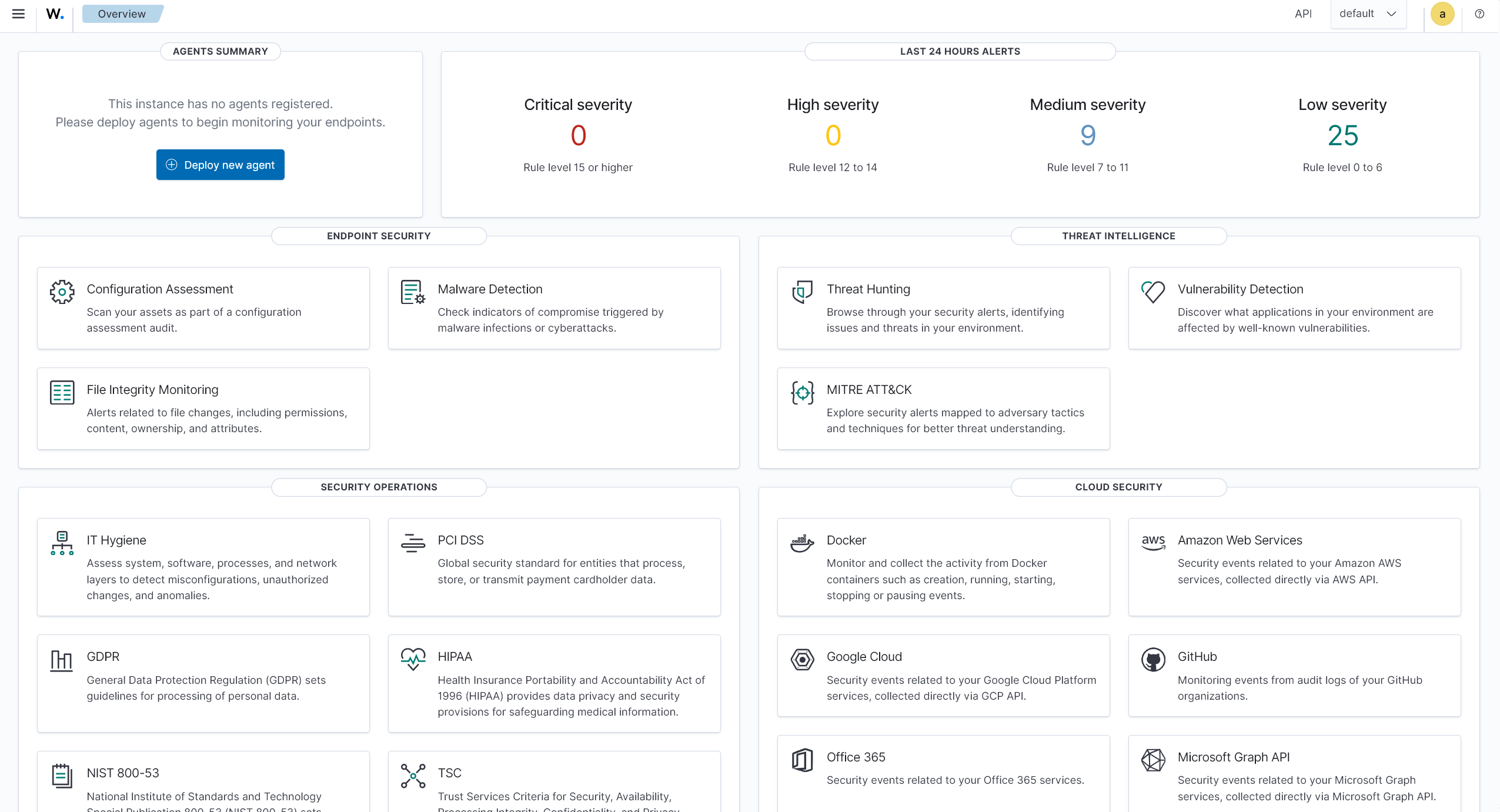
I installed Wazuh in VirtualBox and connected a Windows test system as the first monitored endpoint. The agent service needed the required administrative permissions before it could send events to the manager.
Create a known event first
For the first test, I created and deleted a local test account. Because I performed the action myself, I had a reliable baseline: the event was expected, I knew the event sequence, and I knew which test endpoint produced it.
In Wazuh, I found the Windows EventChannel alert tied to the account activity and recorded the endpoint, event order, rule, source, action, and whether the behavior was expected.

Why a SOC would care
Unexpected local-account creation can be a persistence technique. The alert alone does not prove malicious activity, but it creates a focused next step. I would identify the account creator, check whether the new user entered the Administrators group, review subsequent logons, and compare the timestamp with approved administrative work.
What I learned
A SIEM is not valuable because it produces a large number of alerts. It is valuable when the telemetry lets an analyst reconstruct what happened and make a justified decision. Starting with a controlled event helped me practice that workflow without pretending the alert itself was the conclusion.